
CryptoSignAI Features 2026: Complete Breakdown
As of March 2026
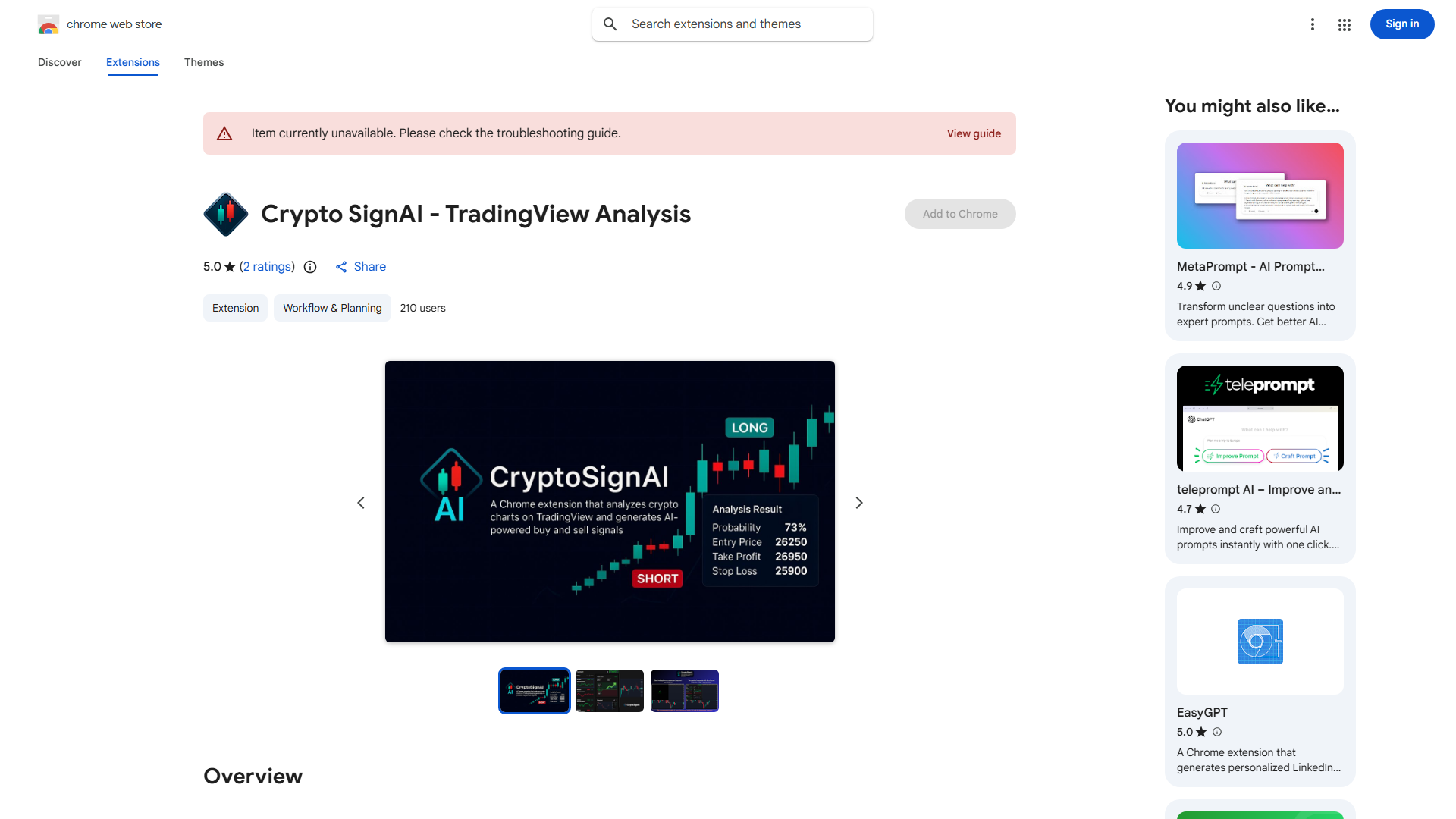
CryptoSignAI
Feature Overview
| Feature | Status |
|---|---|
| One-click TradingView chart analysis | ✓ |
| LONG/SHORT signals with entry/TP/SL | ✓ |
| Probability percentage for each signal | ✓ |
| Saved analysis history with screenshots | ✓ |
| Supports Gemini and OpenAI API keys | ✓ |
| 10-language support | ✓ |
Features in Detail
One-click TradingView chart analysis
LONG/SHORT signals with entry/TP/SL
Probability percentage for each signal
Saved analysis history with screenshots
Supports Gemini and OpenAI API keys
10-language support
Key Strengths
- ★No subscription — BYOK means you only pay API costs
- ★Saves analysis history with screenshots
- ★Clear signal format with entry/TP/SL
- ★Multi-language support
Limitations
- ✗Very low adoption (2 ratings, 1/5 stars)
- ✗Requires own API key management
- ✗TradingView only
- ✗No dedicated website or support
CryptoSignAI vs Competitors
| Feature | C CryptoSignAI | C ChartSnipe | R RoboticEA | T TrendSpider |
|---|---|---|---|---|
| One-click TradingView chart analysis | ✓ | ✗ | ✗ | ✗ |
| LONG/SHORT signals with entry/TP/SL | ✓ | ✗ | ✗ | ✗ |
| Probability percentage for each signal | ✓ | ✗ | ✗ | ✗ |
| Saved analysis history with screenshots | ✓ | ✗ | ✗ | ✗ |
| Supports Gemini and OpenAI API keys | ✓ | ✗ | ✗ | ✗ |
| 10-language support | ✓ | ✗ | ✗ | ✗ |
| 5 analysis modes + Custom Mode Creator: Quick Snipe, Full Snipe, S&R Levels, Liquidity Snipe, Beat Another, Custom Mode Creator | ✗ | ✓ | ✗ | ✗ |
| Custom Mode Creator — build your own AI analysis mode for any strategy (ICT, Elliott Wave, Wyckoff, or your own method). No competitor offers this. | ✗ | ✓ | ✗ | ✗ |
| Starting Price | Free (BYOK) | Free | Free | $59/mo |
FAQ
Is CryptoSignAI free?›
The extension is free to install, but you need your own OpenAI or Google Gemini API key. You pay API costs directly to the provider.
What signals does CryptoSignAI provide?›
CryptoSignAI generates LONG or SHORT signals with specific entry price, take profit, stop loss, and a probability percentage.