
TradeVision AI Features 2026: Complete Breakdown
As of March 2026
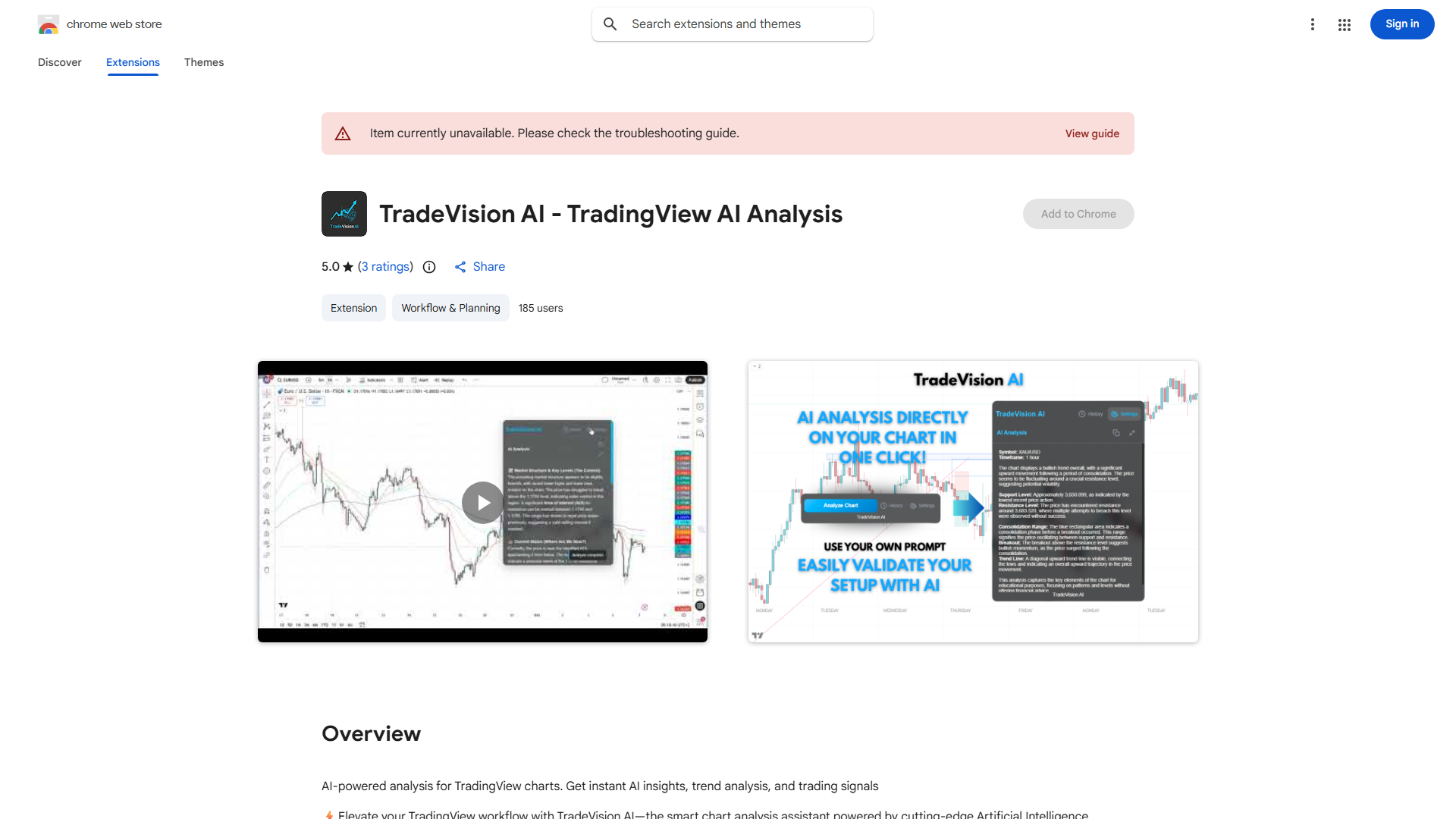
TradeVision AI
Feature Overview
| Feature | Status |
|---|---|
| One-click TradingView analysis | ✓ |
| Custom strategy prompt input | ✓ |
| Expert-built prompt presets | ✓ |
| Mini-mode for fast insights | ✓ |
| RSI, MACD, and indicator analysis | ✓ |
| Privacy-focused — no data stored | ✓ |
Features in Detail
One-click TradingView analysis
Custom strategy prompt input
Expert-built prompt presets
Mini-mode for fast insights
RSI, MACD, and indicator analysis
Privacy-focused — no data stored
Key Strengths
- ★No subscription — BYOK model
- ★Custom prompt capability
- ★Mini-mode for quick analysis
- ★Privacy-focused design
Limitations
- ✗Very low adoption (188 users)
- ✗1/5 star average rating
- ✗Requires OpenAI API key
- ✗No dedicated website or support
TradeVision AI vs Competitors
| Feature | T TradeVision AI | C ChartSnipe | R RoboticEA | T TrendSpider |
|---|---|---|---|---|
| One-click TradingView analysis | ✓ | ✗ | ✗ | ✗ |
| Custom strategy prompt input | ✓ | ✗ | ✗ | ✗ |
| Expert-built prompt presets | ✓ | ✗ | ✗ | ✗ |
| Mini-mode for fast insights | ✓ | ✗ | ✗ | ✗ |
| RSI, MACD, and indicator analysis | ✓ | ✗ | ✗ | ✗ |
| Privacy-focused — no data stored | ✓ | ✗ | ✗ | ✗ |
| 5 analysis modes + Custom Mode Creator: Quick Snipe, Full Snipe, S&R Levels, Liquidity Snipe, Beat Another, Custom Mode Creator | ✗ | ✓ | ✗ | ✗ |
| Custom Mode Creator — build your own AI analysis mode for any strategy (ICT, Elliott Wave, Wyckoff, or your own method). No competitor offers this. | ✗ | ✓ | ✗ | ✗ |
| Starting Price | Free (BYOK) | Free | Free | $59/mo |
FAQ
Is TradeVision AI free?›
The extension is free but requires your own OpenAI API key. You pay OpenAI directly for API usage.
Can I use my own trading strategy with TradeVision AI?›
Yes, TradeVision AI lets you add your own trading strategy to the prompt for customized analysis results.