

Leibniz Studio AI Review 2026
Leibniz Studio AI review covering exchange-native chart analysis on Binance, Coinbase, and Kraken. See our hands-on testing of 5 AI models.
Leibniz Studio AI's exchange-native approach is unique and valuable for crypto traders. The multiple AI models add flexibility, though the lack of transparent pricing is a drawback.
Try It →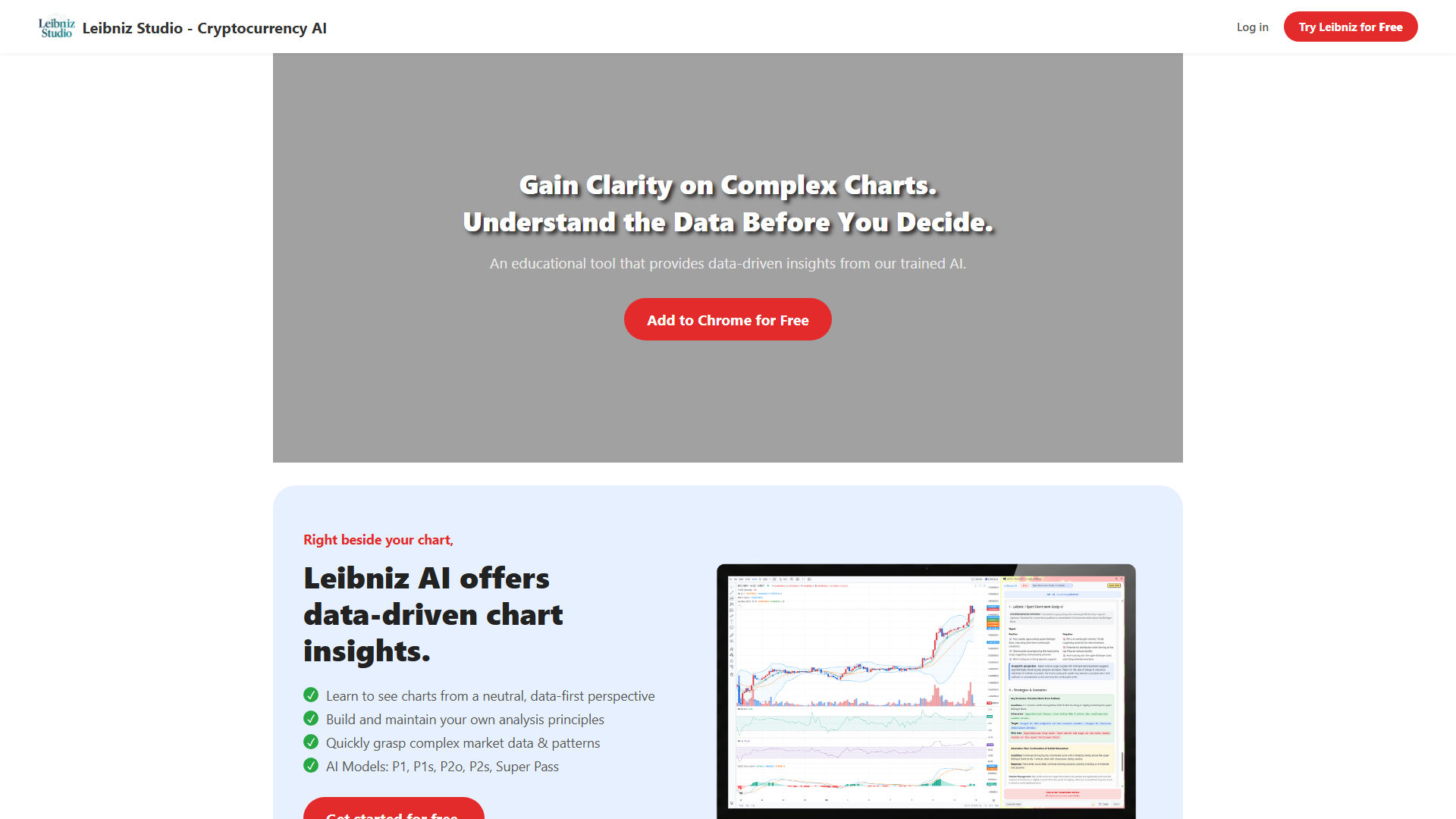
Leibniz Studio AI is a Chrome extension that brings AI chart analysis directly to cryptocurrency exchange interfaces. Instead of uploading screenshots, it works natively on Binance, Coinbase, Crypto.com, Kraken, and OKX — analyze charts with a keyboard shortcut (Alt+A).
The platform offers 5 configurable AI models with varying visual recognition (85-100%) and mathematical ability (17-100%). The Super PASS feature (Alt+Q) provides detailed scenario-based analysis at crucial decision points.
Leibniz Studio uses reinforcement learning to interpret visual data directly and emphasizes privacy — visual data is not stored on servers or used for AI training. Pricing details are not fully transparent, though a free tier appears to exist.
- ✓Exchange-native analysis (Binance, Coinbase, Kraken, OKX)
- ✓5 configurable AI models
- ✓Keyboard shortcut activation (Alt+A)
- ✓Super PASS detailed analysis (Alt+Q)
- ✓Reinforcement-learning AI
- ✓Privacy-focused — no data stored
- +Works directly on exchange charts — no screenshot needed
- +Multiple AI models to choose from
- +Privacy-focused design
- +Keyboard shortcut workflow is fast
- −Crypto only — no stocks or forex
- −Pricing not transparent
- −Limited to supported exchanges
- −No TradingView support
Crypto traders who trade directly on exchanges and want native AI analysis without leaving their platform
Leibniz Studio AI's exchange-native approach is unique and valuable for crypto traders. The multiple AI models add flexibility, though the lack of transparent pricing is a drawback.
What exchanges does Leibniz Studio AI support?›
Is Leibniz Studio AI free?›
The idea of using AI to build custom indicators is appealing. I was able to describe what I wanted in plain English and it generated a working indicator. However, the output sometimes needs manual tweaking and the platform feels like it's still in early development. Has potential.
I asked it to create a momentum indicator that combined RSI divergence with volume profiles and it actually produced something usable. The AI understands technical analysis concepts well. Export to TradingView Pine Script is a nice feature. Wish the free tier allowed more generations.
Generated a few indicators and they worked okay on TradingView. The AI sometimes misunderstands complex multi-timeframe logic though. For simpler indicators it's a time-saver. Pricing feels a bit high for what you get compared to just learning Pine Script yourself.